


Calling customers is still an important part of sales and customer support. But asking customers to copy a phone number, open the dialer, and then make a call can add an extra step.
A Click2Call Service simplifies this process. Customers can click a phone number or call button on a website, landing page, app, or digital campaign and connect with a business directly.
For businesses, this can make it easier to turn website visitors into real conversations, support existing customers, and respond to leads faster.
What Is Click2Call Service?
Click2Call Service is a business communication solution that allows customers to start a phone call by clicking a button or phone number.
Instead of manually entering a number, the customer simply clicks “Call Now,” “Talk to Us,” or a similar button.
The call can then be connected to the right business number, sales team, support agent, or call center.
This is especially useful for businesses that receive leads and customer queries through websites, online ads, landing pages, and mobile devices.
How Does Click2Call Work?
The process is simple:
- A customer visits your website or landing page.
- They see a Click2Call button or phone number.
- The customer clicks the button.
- The call request is sent through the calling system.
- The customer is connected with the business or relevant team.
This removes unnecessary steps from the calling process and makes it easier for customers to contact a business.
For businesses running digital campaigns, Click2Call can also help connect online visitors with offline sales conversations.
Why Do Businesses Use Click2Call?
A phone call can often provide faster communication than a long form or email exchange. Customers can explain their questions directly and get answers from a person.
Businesses can use Click2Call for:
- Sales inquiries
- Customer support
- Product information
- Service inquiries
- Lead follow-ups
- Appointment inquiries
- Website-based communication
- Marketing campaigns
The main idea is simple: make it easier for interested customers to call your business.
Click2Call for Lead Generation
Many website visitors may be interested in a product or service but may not want to fill out a long enquiry form.
A Click2Call button gives them another way to contact the business.
For example, a visitor searching for a service can click “Speak to Our Team” and start a conversation immediately.
This can be useful for businesses where personal communication plays an important role in the sales process.
For broader outreach, businesses can also combine Click2Call with a Bulk Voice Call Service to communicate with a larger customer base.
Click2Call for Customer Support
Customers often want quick answers when they have a problem or question.
A visible call button on a website or support page can make it easier for them to contact the support team.
Businesses can also combine Click2Call with a Cloud Call Center to manage customer calls through a more organized calling setup.
This can help teams handle incoming conversations and route calls to the appropriate agents.
Click2Call and IVR
As the number of customer calls grows, businesses may need a better way to manage incoming conversations.
An IVR Service can help guide callers through menu options before connecting them with the right department.
For example:
Press 1 for Sales.
Press 2 for Customer Support.
Press 3 for Billing.
When Click2Call and IVR work together, businesses can make the calling journey more structured while still keeping the initial contact simple.
Click2Call for Website and Landing Pages
Your website is often the first place where potential customers learn about your business.
Adding a Click2Call option to important pages can make the next step clear.
It can be placed on:
- Homepage
- Product pages
- Service pages
- Contact pages
- Landing pages
- Mobile websites
- Online advertising campaigns
The button should be easy to notice without disturbing the overall website experience.
A simple “Call Now” or “Talk to an Expert” button can give visitors a direct way to start a conversation.
Click2Call vs Traditional Calling
Traditional calling usually requires customers to find a number and enter it manually.
Click2Call reduces this effort.
| Traditional Calling | Click2Call |
| The customer enters the number. | The customer clicks a button. |
| More manual steps | Fewer steps |
| Higher chance of typing errors | The number is already configured |
| Less convenient on mobile | Easy for mobile users |
| Contact is not always immediate. | Direct call action |
The exact setup and calling experience can vary depending on the business communication system being used.
Click2Call and Other Communication Channels
Click2Call does not have to work alone. Businesses can use it with other communication channels based on their customer journey.
For example, Bulk SMS Service can be used to send offers, alerts, or follow-up messages, while Click2Call can give customers a direct way to speak with the business.
Similarly, a Missed Call Service can be useful when businesses want customers to respond through a simple missed-call mechanism.
For businesses that need another direct communication option, a Toll-Free Number can provide customers with a dedicated number for inquiries and support.
Key Benefits of Click2Call Service
A well-planned Click2Call setup can provide several benefits:
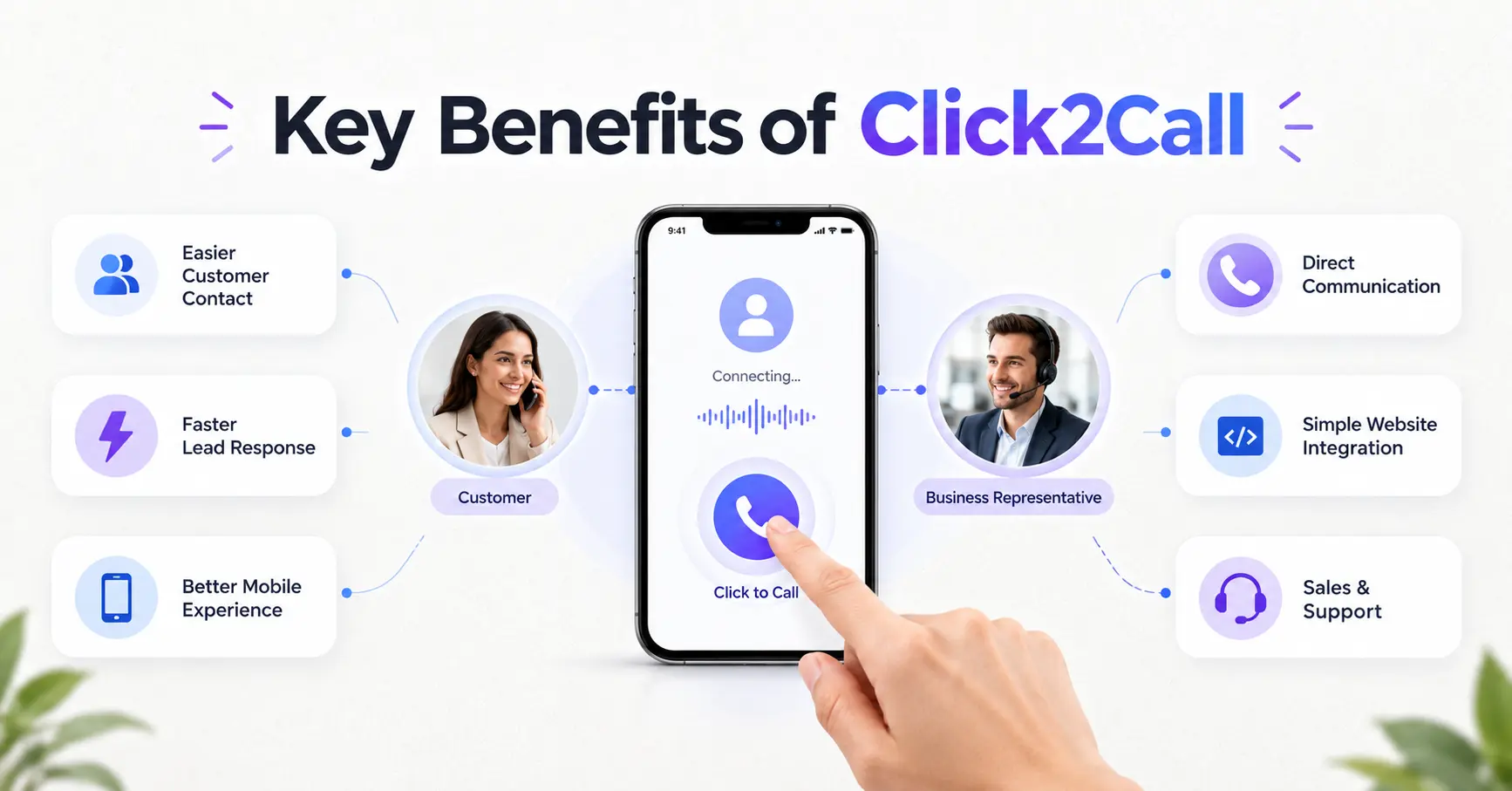
1. Easier Customer Contact
Customers can start a call without manually entering a phone number.
2. Faster Lead Response
Interested visitors can directly connect with the sales team.
3. Better Mobile Experience
Click-to-call functionality is especially useful for people browsing on smartphones.
4. More Direct Communication
Businesses can discuss customer needs through a real conversation.
5. Simple Website Integration
A call button can be added to relevant websites and landing pages.
6. Supports Sales and Support Teams
The same calling option can be used for both customer inquiries and service-related conversations.
How to Choose a Click2Call Service
Before choosing a Click2Call solution, businesses should consider their communication requirements.
Look for features such as
- Easy website integration
- Reliable call connectivity
- Call routing options
- IVR integration
- Call tracking and reporting
- Scalable calling infrastructure
- Support for sales and customer service teams
- Easy management and monitoring
The right setup will depend on your call volume, team size, website traffic, and business goals.
Final Thoughts
A Click2Call service gives customers a simple way to move from online interaction to a real phone conversation.
For businesses, it can support lead generation, customer support, sales inquiries, and website communication without adding unnecessary steps for the customer.
When combined with solutions such as IVR, Cloud Call Center, SMS, and other business communication tools, Click2Call can become part of a complete customer communication strategy.
If your business receives inquiries through its website or digital campaigns, adding a direct calling option can make the customer journey more convenient.
How does Click2Call help businesses?
It can make it easier for website visitors and potential customers to contact sales or support teams directly.
Can Click2Call be used for lead generation?
Yes. Businesses can add Click2Call buttons to landing pages and service pages so interested visitors can contact the sales team directly.
Is Click2Call useful for mobile users?
Yes. Since mobile users can tap a phone number or call button directly, Click2Call can provide a convenient calling experience.
Can Click2Call work with IVR?
Yes. Click2Call can be combined with IVR to help route incoming calls to the appropriate department or team.